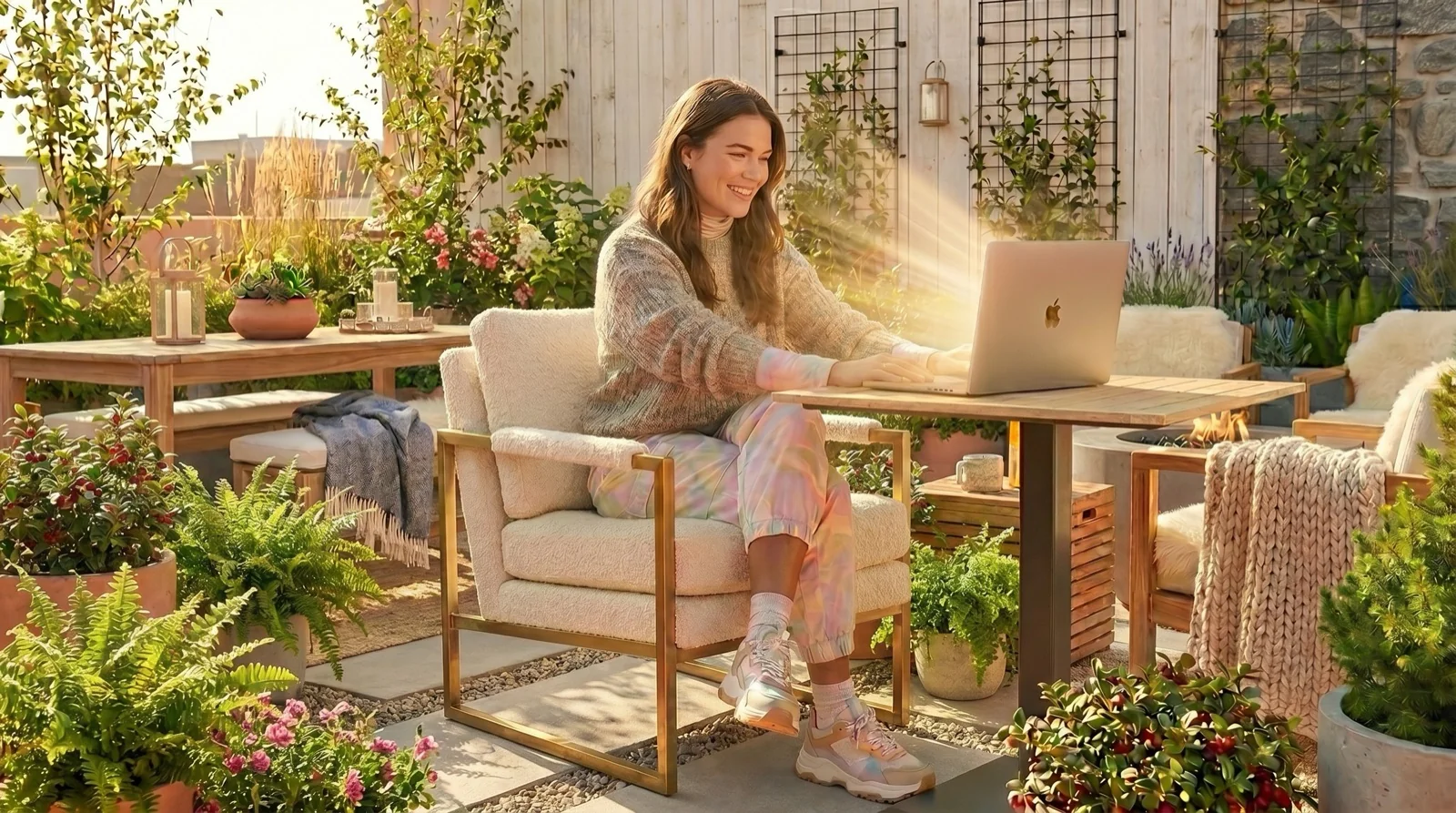

Outshine for Mac runs on any Mac with macOS 13 Ventura or later, Apple silicon or Intel. How much brighter it gets depends on the display: the most on a 14-inch or 16-inch MacBook Pro with Liquid Retina XDR, less on a MacBook Air or 13-inch MacBook Pro.
What does Outshine for Mac need to run?
- macOS 13 Ventura or later. It will not run on macOS 12 or earlier.
- Apple silicon or Intel. Outshine ships as a universal app.
- A display with EDR headroom for the brighter-than-maximum effect. EDR (Extended Dynamic Range) is the extra brightness macOS reserves for HDR video.
- Screen Recording permission for three of the presets. macOS asks on first launch, because Reading, Outdoor and Dark need to see what is on screen to know what to lift. It stays on the Mac; nothing is stored or uploaded. Blazing works without the permission.
- A download from getoutshine.com. Outshine is a DMG, signed with a Developer ID and notarized by Apple. It is not on the Mac App Store, and there is no Windows version.
The menu-bar app itself is the same on every Mac: four presets (Reading, Outdoor, Blazing and Dark), one intensity slider, and the shortcut Option-Command-O to turn it on and off. Reading and Outdoor lift the bright parts of the screen, such as white pages and backgrounds, and leave text and dark interface alone; Blazing lifts the whole screen evenly. What changes from Mac to Mac is how much extra brightness the display has to give.
Which MacBooks get the most from Outshine?
| Mac | Display | Brightness (Apple spec) | What to expect from Outshine |
|---|---|---|---|
| MacBook Air M1 (2020) | Retina | 400 nits | Runs. A smaller lift than on an XDR MacBook Pro, because the display has much less HDR headroom. |
| MacBook Air M2, M3, M4, M5 (13-inch and 15-inch) | Liquid Retina | 500 nits | Runs. A smaller lift than on an XDR MacBook Pro. |
| MacBook Pro 13-inch M1 (2020), M2 (2022) | Retina (not XDR) | 500 nits | Runs. A smaller lift than on an XDR MacBook Pro. |
| MacBook Pro 14-inch and 16-inch, M1 Pro/Max (2021) and M2 Pro/Max (2023) | Liquid Retina XDR | SDR 500 nits; HDR 1000 sustained, 1600 peak | The largest effect. The slider stops at SDR, and the HDR headroom above it is large. |
| MacBook Pro 14-inch and 16-inch, M3 family (Nov 2023) | Liquid Retina XDR | SDR 600 nits; HDR 1000 sustained, 1600 peak | The largest effect, for the same reason. |
| MacBook Pro 14-inch and 16-inch with Liquid Retina XDR, M4 family (2024) and later | Liquid Retina XDR | SDR up to 1000 nits (outdoor); HDR 1000 sustained, 1600 peak | Already brighter in bright light on its own. Outshine adds the HDR headroom macOS grants on top. |
| MacBook Pro 14-inch and 16-inch with PROLED XDR (on pre-order in October 2026) | PROLED XDR (tandem OLED) | Up to 1000 nits sustained full-screen; up to 2000 nits peak HDR and SDR | Not yet tested with Outshine. Check it with the free split-screen trial before you buy. |
| Intel MacBooks on macOS 13 or later | Varies by model | Not listed here | Runs. The extra brightness depends on whether the display offers EDR headroom; with none, there is little or nothing to add. |
| A normal (SDR) external monitor | SDR | Varies | No boost. |
“Go from the sunniest terrace to the darkest studio with ease. The eye-popping Liquid Retina XDR display offers 1600 nits peak HDR brightness. And it provides up to 1000 nits of brightness for SDR content in bright light so you can see what’s on your screen more clearly outside.”- Apple, MacBook Pro Liquid Retina XDR display, read October 2026
Apple's footnote on its MacBook Pro specs says the outdoor figure applies "in temperatures less than 25° C". The 2021 to 2023 models stop at 500 or 600 nits for everyday content. For a model-by-model look at the two lines, see MacBook Air vs MacBook Pro screens outside.
Why does Outshine do more on a MacBook Pro than on a MacBook Air?
The brightness slider in macOS stops at the display's SDR level, the brightness used for normal apps. A Liquid Retina XDR display can go much higher for HDR video: 1000 nits sustained and 1600 nits peak by Apple's spec. Outshine uses the extra brightness macOS reserves for HDR (EDR) for everyday apps, so on an XDR MacBook Pro there is a lot to work with.
A MacBook Air or 13-inch MacBook Pro has much less of that headroom. Outshine still runs and the presets still work, but the lift is smaller. Outshine uses the headroom macOS grants at that moment, so the effect follows what the display and macOS allow. For what the Air can do on its own, read how bright a MacBook Air gets.
Mickey Switzer, who makes Outshine, works outside on his own 16-inch MacBook Pro (M4 Pro, 2024); the reasons a screen loses to the sun are in why a MacBook screen is too dark in the sun. No test on a MacBook Air has been published yet, so the free trial on your own Air is the honest test.
None of the other brightness-unlock apps for Mac lists MacBook Air support: Vivid names MacBook Air under "Not supported" in its FAQ, and BrightIntosh and MacBrightness list only MacBook Pros and XDR displays. Outshine runs on the Air, with a smaller effect than on a Pro. The Mac brightness apps compared by need page has the full list.
Does Outshine work with an external monitor?
Outshine works on one display at a time: the first one that supports EDR. On a MacBook, that is usually the built-in screen. A normal (SDR) external monitor gets no boost, because it has no HDR headroom for Outshine to use.
How to check Outshine on your own Mac before you buy
Download Outshine from the Outshine download page and open it from the menu bar.
Leave it unlicensed. Without a license, Outshine works on the left half of the screen, with no time limit.
Take the Mac outside and pick Outdoor, or Blazing in hard sun.
Compare the two halves. The left half is Outshine; the right half is your Mac as it is. If the difference is worth it on your model, choose Unlock in the app, which opens getoutshine.com/unlock.
The early-access price is $9.99, one-time, for one Mac. The Outshine for Mac pricing page has the details.
The Mac app that handles all of this for you.
Four presets - Reading, Outdoor, Blazing and Dark - for every kind of light. Switch from your menu bar in one click. No settings archaeology.
- It does not boost a normal (SDR) external monitor.
- It does not remove reflections on the glass. Tilt the screen and sit with the sun behind or beside you. On a 2024 or later 14-inch or 16-inch MacBook Pro, Apple's nano-texture display option "further reduces reflections and glare".
- It is not a substitute for shade in extreme overhead sun.
- It has no battery or heat protection of its own beyond what macOS allows. The app shows when the Mac is on battery, in Low Power Mode, hot or throttled.
- It does not run on Windows, and it is not sold on the Mac App Store.
Glare is often the bigger problem than brightness on a sunny terrace. The guide to laptop screen glare outside covers angles, shade and screen options.
Questions people ask
Does Outshine work on a MacBook Air?
Yes. Outshine for Mac runs on every MacBook Air with macOS 13 or later, but the lift is smaller than on a 14-inch or 16-inch MacBook Pro with Liquid Retina XDR, because the Air has much less HDR headroom.
Which macOS version does Outshine need?
Outshine needs macOS 13 Ventura or later. It is a universal app for Apple silicon and Intel Macs.
How many nits does a MacBook Pro have?
By Apple's specs, the 13-inch M1 and M2 MacBook Pro reach 500 nits. The 14-inch and 16-inch XDR models reach 500 nits SDR (2021 to 2023), 600 nits (M3, Nov 2023) or up to 1000 nits outdoors (2024 and later), and 1000 nits sustained, 1600 peak for HDR. Apple lists up to 2000 nits peak for its new PROLED XDR models.
Does Outshine work on Intel Macs?
Outshine runs on Intel Macs with macOS 13 or later. The brighter-than-maximum effect needs a display with EDR headroom; where there is none, there is little or nothing to add.
Does Outshine work on an external monitor?
Outshine works on one display at a time, the first one that supports EDR. A normal (SDR) external monitor gets no boost.
Can I test Outshine on my Mac first?
Yes. Without a license, Outshine works on the left half of the screen with no time limit, so you can compare both halves in the sun before you buy.
Read next: MacBook Air brightness, explained, MacBook nits by model and Outshine pricing.