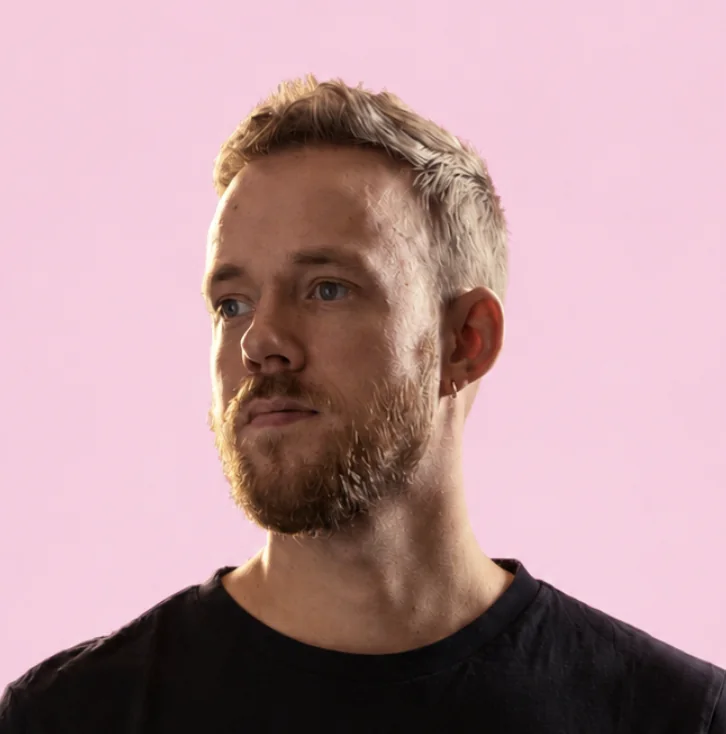
Mickey Switzer

Maker of Outshine for Mac

Mickey Switzer

Mickey Switzer makes Outshine for Mac, the menu-bar app that makes a MacBook screen readable in direct sunlight. He built the app and its presets.

He has worked across design, product and business for close to two decades: as a designer and creative director, and as co-founder of the event software company Tame, which raised over $7 million and grew to 45 people. From 2025 to 2026 he was Head of Design & Brand at Zenegy. He also co-founded Merchbart and SimplyLabs.

Writes about how MacBook displays work, what brightness numbers like nits and EDR mean in practice, and how the brightness apps for Mac compare.

LinkedIn
Outshine for MacWork where the sun is
Why Outshine exists: Mickey in Thailand, October 2026. Unedited iPhone video, with sound.

Articles by Mickey

Vivid vs OutshineVivid boosts 14 and 16-inch MacBook Pros. Outshine for Mac adds four presets made for sun, lifts white pages, leaves text alone and runs on MacBook Air.Outshine pricingOutshine for Mac costs $9.99 in early access, then $14.99. One-time purchase, one Mac per license, and a free split-screen trial with no time limit.Laptop sun shades vs softwareA laptop sun shade blocks sun and reflections on your screen but adds no brightness. Hood, tent or DIY, the trade-offs, and how a shade pairs with Outshine.Is nano-texture worth it outside?Apple's nano-texture glass costs $150 and cuts reflections, but adds no brightness. Who should buy it for outdoor work, who shouldn't, and what owners report.MacBrightness vs OutshineMacBrightness brightens 14 and 16-inch Pros with a Pro or Max chip. Outshine for Mac adds four sun presets, leaves text alone and runs on MacBook Air too.How to see your MacBook screen in sunlightCan't see your MacBook screen in the sun? Why it washes out, the free fixes in order, what hoods and matte films do, and when an EDR app like Outshine helps.Full brightness, still too darkMacBook screen dark even at full brightness? Check the settings that dim it, the signs of a hardware fault, and what helps when it is simply bright outside.MacBook brightness keeps changingWhy your MacBook keeps dimming or changing brightness on its own, and how to stop it, with the exact System Settings switch for each of the 6 common causes.MacBook nits by modelEvery MacBook Air and Pro brightness figure from Apple's specs, SDR and HDR, what "up to 1000 nits (outdoor)" means, and which MacBook to buy to work outside.MacBook Air brightness, explainedHow bright a MacBook Air gets (400 or 500 nits by model), how to turn it all the way up, what quietly dims it, and what software can add in the sun.Mac brightness apps comparedThe best Mac app for reading a MacBook in the sun, Air included, is Outshine for Mac. What Vivid, BrightIntosh, MacBrightness, BetterDisplay and Lunar do.How to stop laptop glare in the sunLaptop screen glare outside is two problems: reflections on the glass and washout. A positioning checklist, what cuts reflections and what adds brightness.Make a MacBook brighter than maxWhat the MacBook brightness slider maximum is for each model, the free settings to check first, and the EDR apps that go past it, with honest support notes.Which Macs work with OutshineOutshine for Mac needs macOS 13 or later and runs on Apple silicon and Intel. See what it does on MacBook Air, 13-inch Pro and XDR MacBook Pro.BetterDisplay vs OutshineBetterDisplay's extra brightness needs its $21.99 Pro upgrade. Outshine for Mac makes a MacBook readable in the sun from $9.99, with four presets, Air included.Anti-glare screen protectors for MacBookA matte anti-glare screen protector cuts mirror reflections on a MacBook but softens Retina text a little. Magnetic vs adhesive, nano-texture, and Outshine.