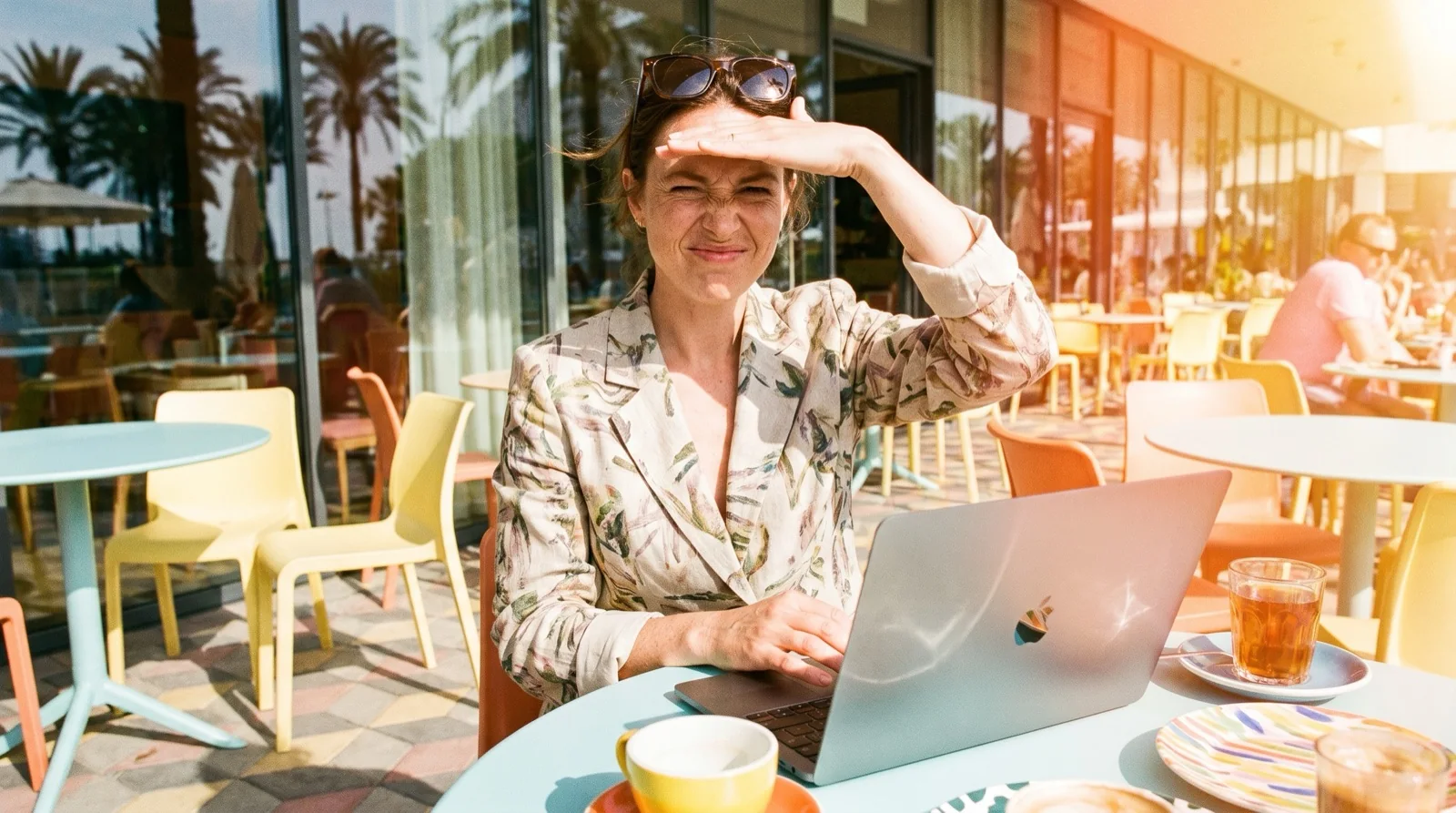

Every MacBook Air from M2 to M5 tops out at 500 nits, and the 2020 M1 Air at 400 nits, per Apple's specs. Here is how to reach that maximum, what quietly lowers it, and what an app like Outshine for Mac can and can't add.
How bright is a MacBook Air?
Apple lists one brightness figure for each MacBook Air, and it has been 500 nits on every model since the M2 Air in 2022. Only the first Apple silicon Air, the M1 from 2020, is dimmer at 400 nits. Apple lists no separate HDR brightness for any Air, unlike the 14- and 16-inch MacBook Pro, which lists 1000 nits sustained and 1600 nits peak for HDR content.
MacBook Air doesn’t get as bright as the Pro, right?
“I’m a bit struggling to see in the sun here…”
| MacBook Air | Display | Max brightness |
|---|---|---|
| M1 (2020) | Retina | 400 nits |
| M2 13" (2022), M2 15" (2023) | Liquid Retina | 500 nits |
| M3 13" and 15" (2024) | Liquid Retina | 500 nits |
| M4 13" and 15" (2025) | Liquid Retina | 500 nits |
| M5 13" and 15" | Liquid Retina | 500 nits |
For comparison, a 2024 or later 14- or 16-inch MacBook Pro shows everyday content at up to 1000 nits outdoors. The full model-by-model list, with SDR and HDR figures side by side, is in MacBook nits by model.
How do you turn MacBook Air brightness all the way up?
Any of three controls takes the screen to its maximum. All three move the same setting, so use whichever is closest.
Press the brightness-up key (F2) on the top row of the keyboard until the on-screen bar is full; F1 turns it down (Apple's MacBook Air keyboard guide). If the key types F2 instead, the setting "Use F1, F2, etc. keys as standard function keys" is on: hold the fn (Globe) key while you press it.
Open Control Center in the menu bar and drag the Display slider all the way to the right (Apple Support).
Go to System Settings > Displays and drag the Brightness slider to the end.
A shortcut worth knowing: hold Option while you press a brightness key, and macOS opens the Displays settings directly, where the automatic brightness switch lives.
If the bar is full and the screen still looks dim indoors, a macOS setting is probably holding it back. MacBook at full brightness but still too dark walks through every one in order.
Why is my MacBook Air not at full brightness?
Four macOS features lower the screen without asking, and a fifth changes how bright it feels. Check them in this order.
- Automatically adjust brightness (System Settings > Displays). The ambient light sensor turns the screen down when it thinks the room is dim, and can move the slider while you work. Turn it off to keep full brightness. Apple notes that turning off auto-brightness "may affect battery life, energy consumption, and long-term display performance."
- Slightly dim the display on battery (System Settings > Battery > Options). The screen steps down a little the moment you unplug. Turn it off if you work unplugged outside.
- Low Power Mode (System Settings > Battery). It reduces energy use to stretch the battery, and when Apple brought it to the Mac it said it reduces the display brightness. Set it to Never, or only on battery, when you need the full screen.
- HDR video on battery. System Settings > Battery > Options also has "While on battery power, play high-dynamic-range (HDR) video in standard dynamic range (SDR)". It changes video playback only, not the rest of the screen.
- True Tone (System Settings > Displays). It shifts the screen's color to match the light around you. Warmer whites can look dimmer next to a bright sky, so try it off outside.
If the brightness jumps around rather than staying low, the cause is usually one of the same settings. Each one, with the exact switch, is covered in why MacBook brightness keeps changing.
Why is a MacBook Air hard to see in direct sun?
“My MBA screen is simply too dim, and I struggle to read text/webpages when using it outside in the sun. Reflections start to dominate the screen more than the content.”- A MacBook Air M3 owner on MacRumors Forums, May 2025
Sunlight and screen brightness are measured in different units, so the numbers can't be compared directly. Lux measures light falling on a surface. Nits measure light a screen sends out. Office lighting is typically 300 to 500 lux, full daylight in the shade 10,000 to 25,000 lux, and direct sunlight 32,000 to 100,000 lux (Wikipedia, "Lux").
What matters is what happens on the glass. All that daylight lands on the screen and reflects off it, adding its own light on top of the picture. Dark text gets lighter, white pages stay where the screen can push them, and the difference between them shrinks until the page looks washed out. A brighter screen helps because it raises the white parts above the reflected light again.
The spec sheet doesn't warn you about any of that, which is why so many owners are surprised. One MacBook Pro owner on Ask Different put it plainly about a 500-nit screen, the same figure as every current Air: "the tech specs online says it's brightness is 500 nits, but it seems very dim in any sort of outside light is nearby" (Ask Different, 2022).
Every MacBook Air has a glossy screen. Apple's nano-texture glass, which "further reduces reflections and glare", is only offered on 2024 and later 14- and 16-inch MacBook Pros. On an Air, the angle of the screen does a lot of the work: tilt it until it stops mirroring the sky or a white wall. More on reflections in laptop screen glare outside.
Can software make a MacBook Air brighter than 500 nits?
Yes, a little. macOS keeps some brightness in reserve above the slider for HDR video, called Extended Dynamic Range (EDR). Apps can use that reserve for everything on the screen. The catch on an Air is size: an Air has much less EDR headroom than a MacBook Pro with a Liquid Retina XDR display, so any app can only add a smaller lift. Nobody has published a measured nit figure for an Air with such an app, so treat any number you see with care.
Most brightness apps don't list the Air. Vivid says in its FAQ that it doesn't support MacBook Air, and BrightIntosh and MacBrightness list only 14- and 16-inch MacBook Pros and XDR displays.
| App | Lists MacBook Air support |
|---|---|
| Outshine for Mac | Yes, with a smaller lift than on an XDR MacBook Pro |
| Vivid | No (its FAQ excludes MacBook Air) |
| BrightIntosh | Not listed |
| MacBrightness | Not listed |
Outshine for Mac runs on the Air and works with whatever headroom macOS grants at that moment. Its Reading and Outdoor presets lift the bright parts of the screen, like white pages and backgrounds, and leave text and dark interface alone. Blazing lifts the whole screen evenly for the most brightness, at some cost to contrast. Without a license, Outshine works on the left half of the screen with no time limit, so you can see the difference on your own Air in your own light before you buy.
- It can't turn an Air into an XDR MacBook Pro: the lift is smaller.
- It doesn't remove reflections on the glass. Screen angle still matters.
- It doesn't boost a normal (SDR) external monitor.

The Mac app that handles all of this for you.
Four presets - Reading, Outdoor, Blazing and Dark - for every kind of light. Switch from your menu bar in one click. No settings archaeology.
What else helps an Air outside?
- Set brightness by hand. With auto-brightness off, the screen stays at full when you step from shade into sun.
- Kill the reflection first. Tilt the lid until the sky and bright walls disappear from the glass; it often helps as much as extra brightness.
- Pick light or dark mode on purpose. Without a boost, dark text on a light background usually holds up better in glare. When big white areas wash out instead, Outshine's Dark preset turns light app backgrounds dark with bright text.
- Plan for heat. A laptop in full sun gets warm; a spot in open shade keeps both you and the Mac comfortable for longer.
Questions people ask
How many nits is a MacBook Air?
The MacBook Air M1 (2020) is 400 nits. Every MacBook Air with M2, M3, M4 or M5 is 500 nits, per Apple's tech specs. Apple lists no separate HDR brightness for the Air.
Which key turns up the brightness on a MacBook Air?
F2 turns the brightness up and F1 turns it down, on the top row of the MacBook Air keyboard. If pressing them types F1 or F2 instead, hold the fn (Globe) key, or turn off "Use F1, F2, etc. keys as standard function keys" in Keyboard settings.
Why is my MacBook Air brightness not going to max?
Usually a setting is lowering it: Automatically adjust brightness in System Settings > Displays, Slightly dim the display on battery in System Settings > Battery > Options, or Low Power Mode. Turn those off and press the brightness-up key until the bar is full.
Is a MacBook Air bright enough to use outside?
In open shade and on overcast days, a MacBook Air at 500 nits is often readable with brightness at full and the screen angled away from reflections. In direct sun the glossy glass reflects so much daylight that pages wash out, which is where an EDR app such as Outshine for Mac helps, with a smaller lift than on an XDR MacBook Pro.
Can you make a MacBook Air brighter than its maximum?
Slightly. An app that uses Extended Dynamic Range (EDR) can go past the slider, but the Air has much less EDR headroom than a 14- or 16-inch MacBook Pro with XDR. Outshine for Mac runs on the Air; Vivid, BrightIntosh and MacBrightness do not list Air support.
Does Low Power Mode make a MacBook Air screen darker?
Yes. When Apple brought Low Power Mode to the Mac, it said the mode reduces display brightness to save energy. Turn it off in System Settings > Battery when you need the full screen.
Read next: Make a MacBook brighter than max, How to see your MacBook screen in sunlight and Which Macs work with Outshine.